
What is the 'Give Control' feature?
The Give Control feature lets you hand control of your connected Lovense toy to a user in your chat room. After connecting your toy to CamSoda's Lovense app:
- Select the desired username from your chat, guest, or users lists
- Select Give Control from the options list and tap Confirm
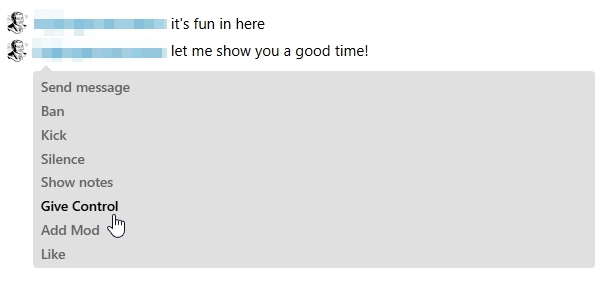
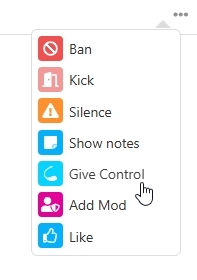
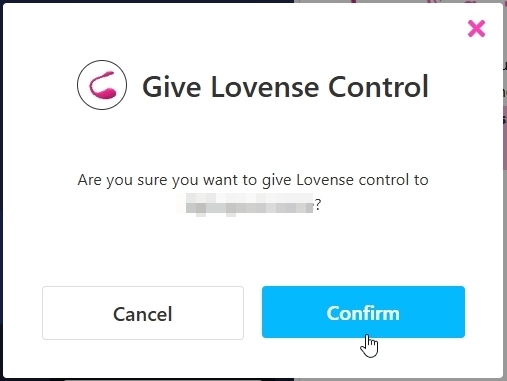
The user will gain control of your toy. A Revoke Lovense Access button with an active timer will appear, or you can select Revoke Access from the user's chat options. Users will have their own stop button.

Note: If broadcasting via mobile, use Revoke Access from the chat options list.